Create a role
A role is a machine identity within a tenant. It carries permissions through the policies attached to it, and it is used in two ways:
- A running state machine executes as a role: the engine assumes it directly, with no credentials involved.
- Later a user will be able to assume a role.
Creating the role and attaching a policy is the same either way, and this guide covers that.
Prerequisites
- A running Stegflow instance you can sign in to (see Getting started).
- A tenant. Roles and policies live inside a tenant (see Create a tenant).
- Permission to manage identity in that tenant. On the tenant resource you need
ListRolesandCreateRole(view and create roles) andAttachPolicy(attach a policy), plusCreatePolicyif you create a new policy. The built-in Administrators group grants these.
Steps
1. Create the role
In Access Management, open the Roles tab.
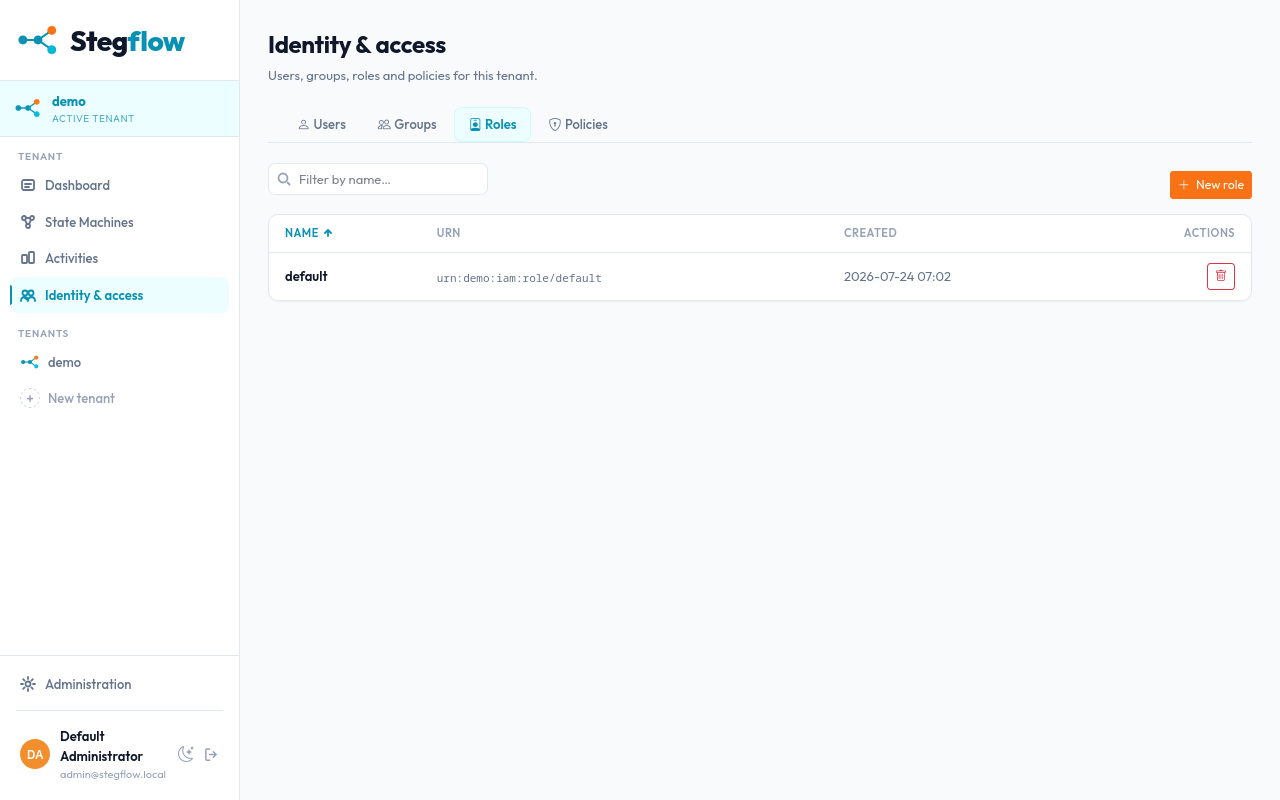
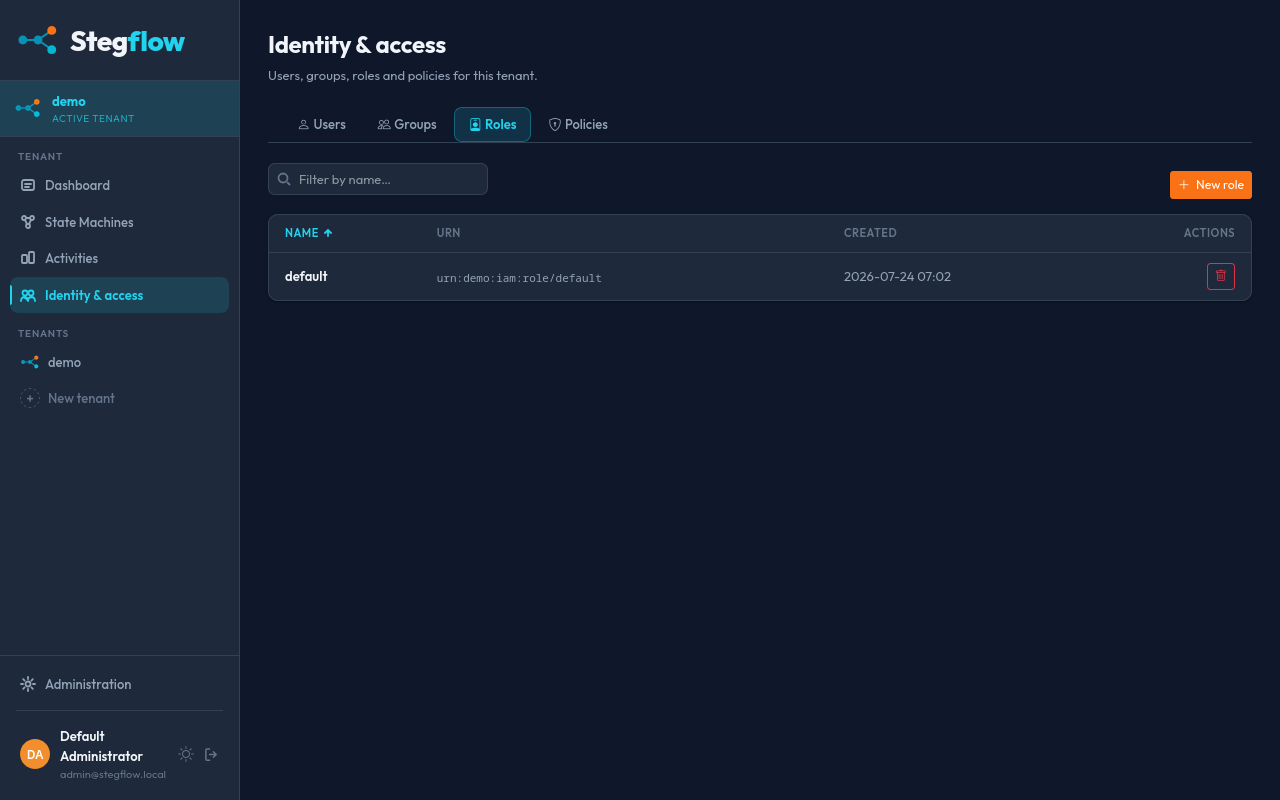
Give it a name that reflects its use, for example ci-deployer or
activity-worker, then click Create role.
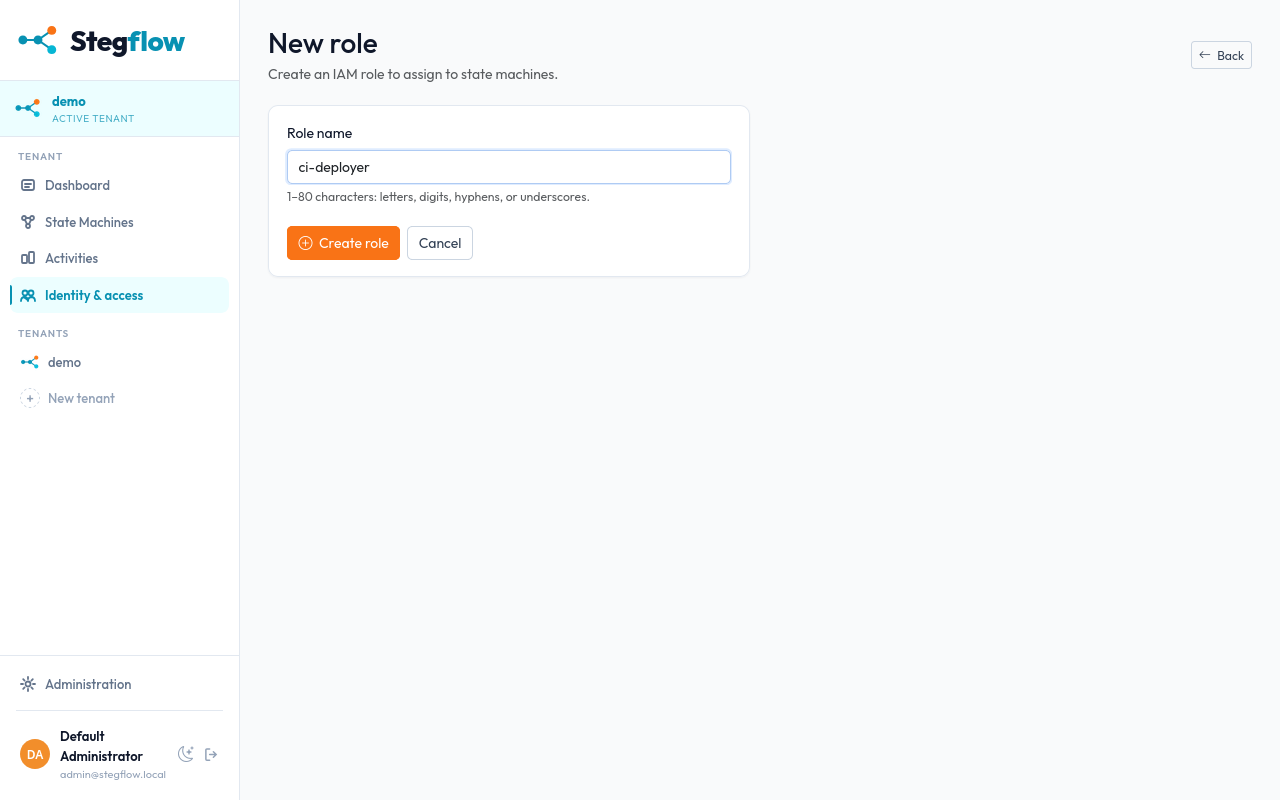
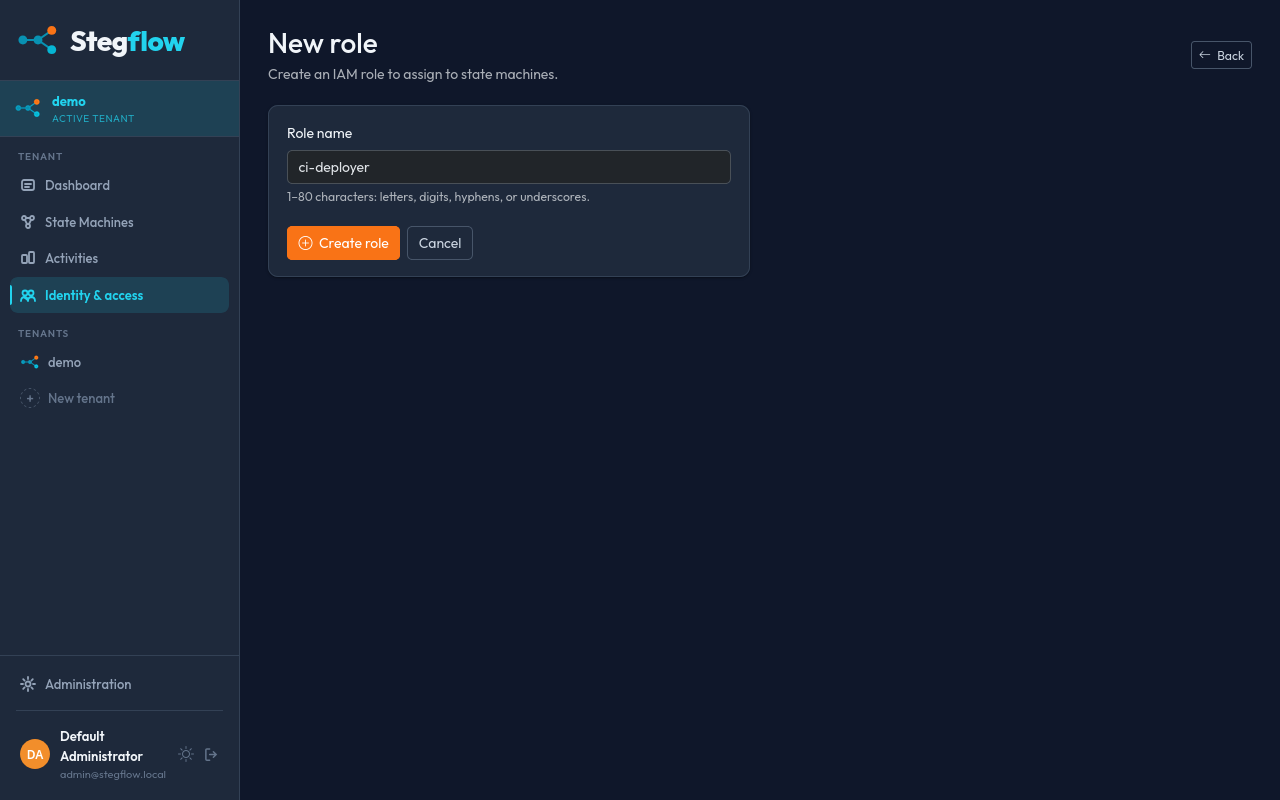
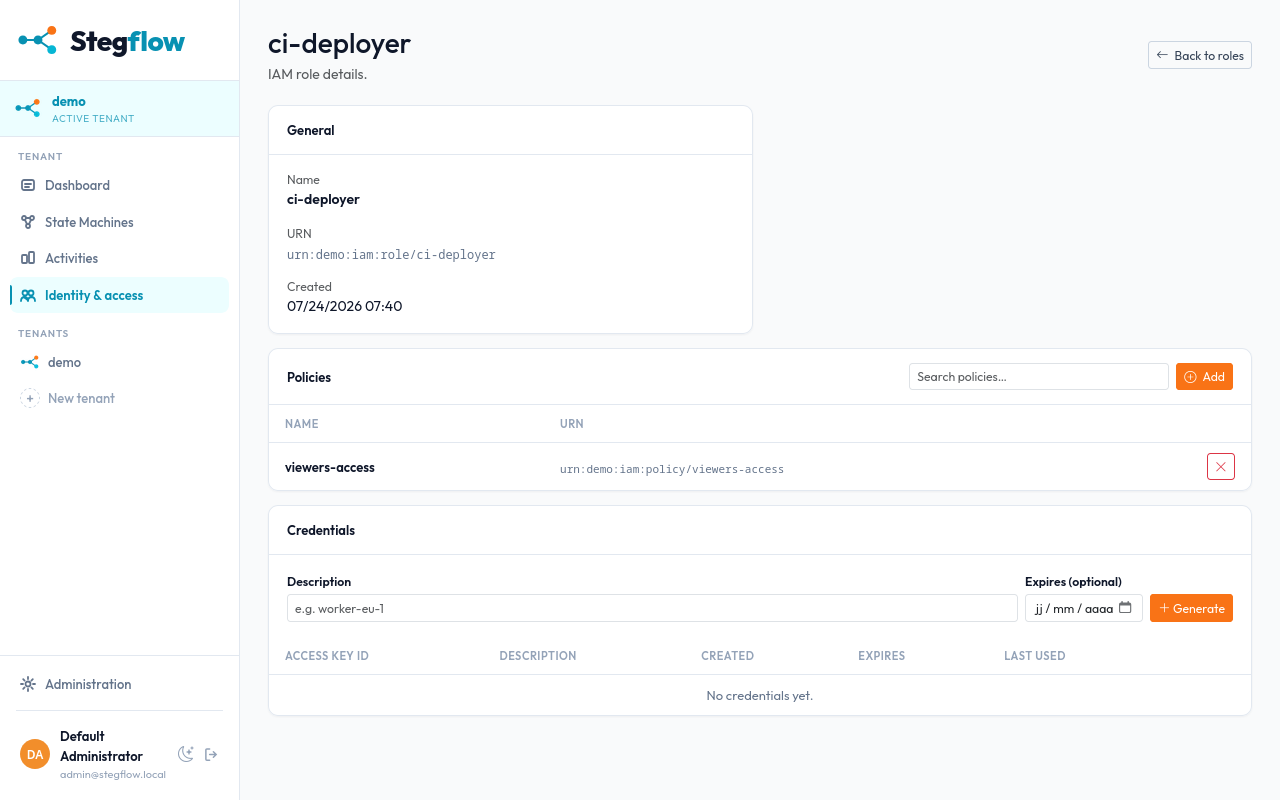
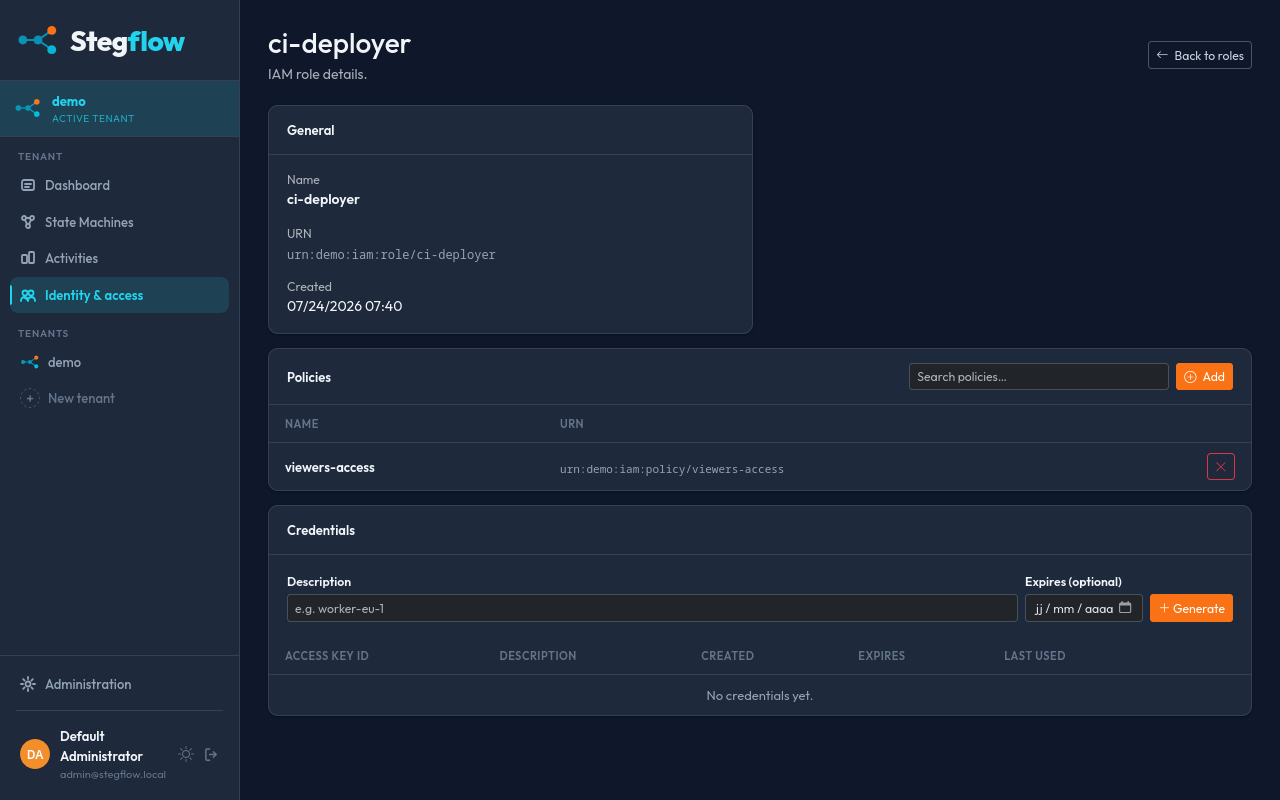
Once the role is created you are redirected to the role details page.
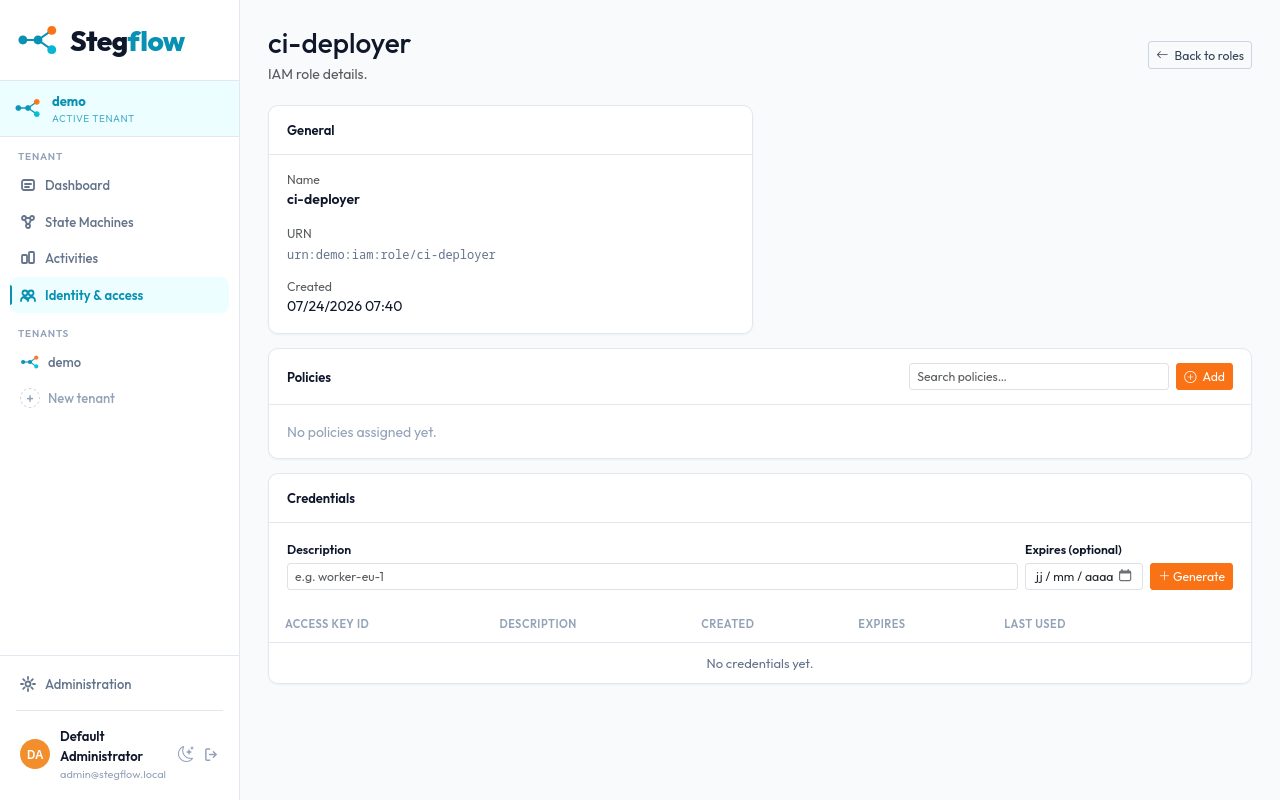
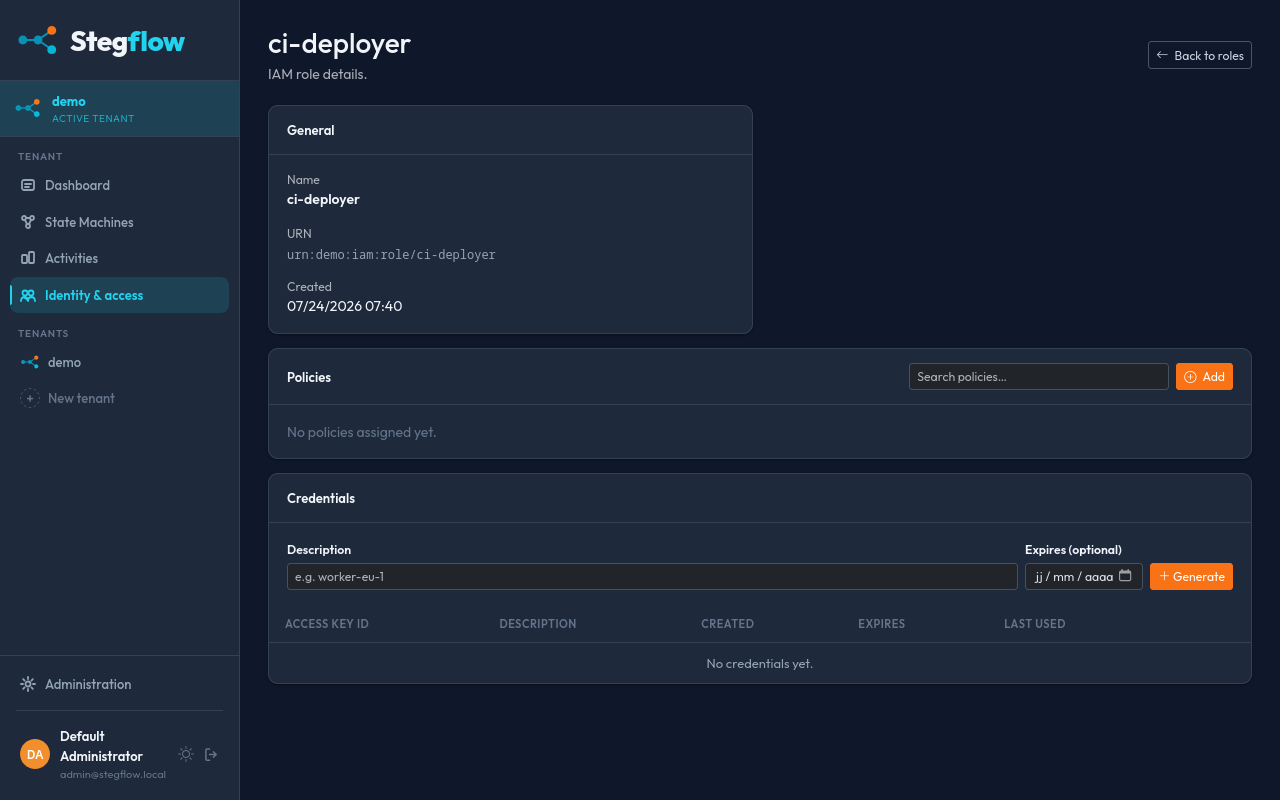
2. Attach a policy to the role
A role carries no permissions on its own. Attach a policy that allows the actions required by your role.
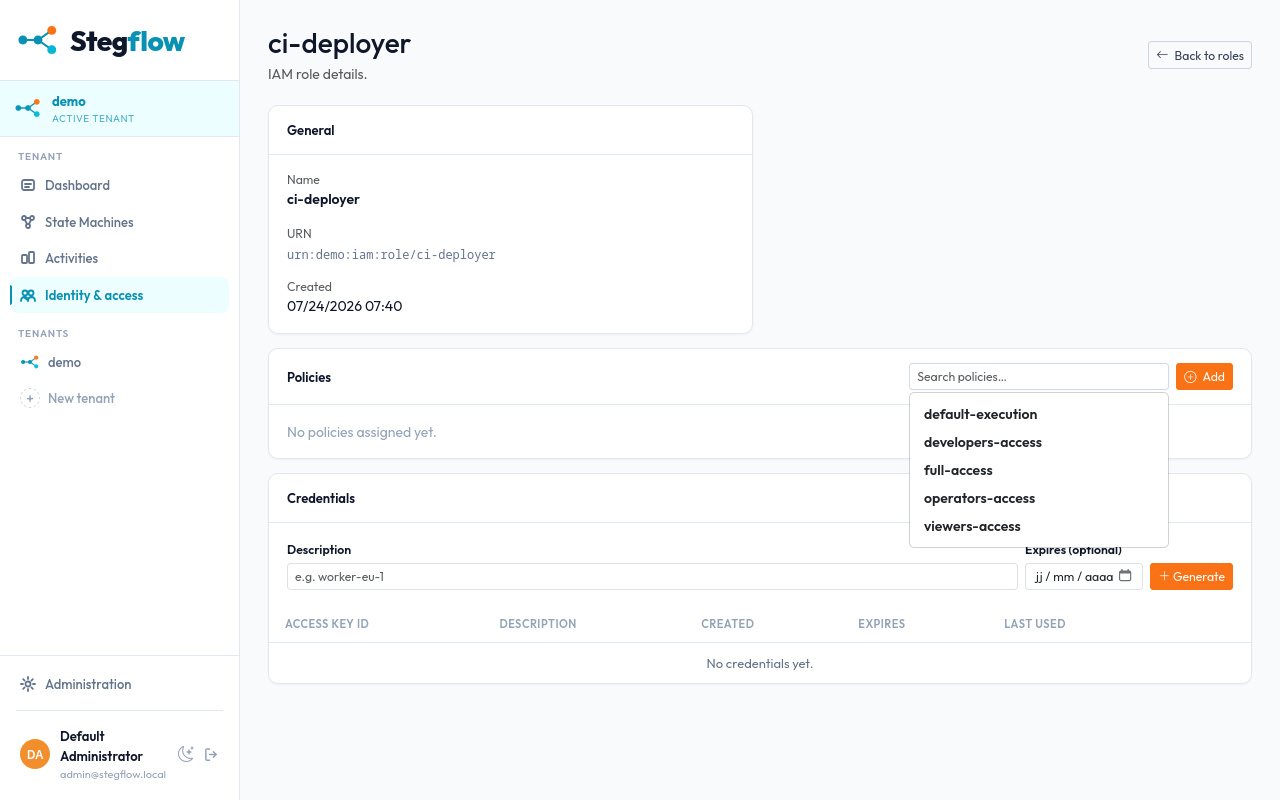
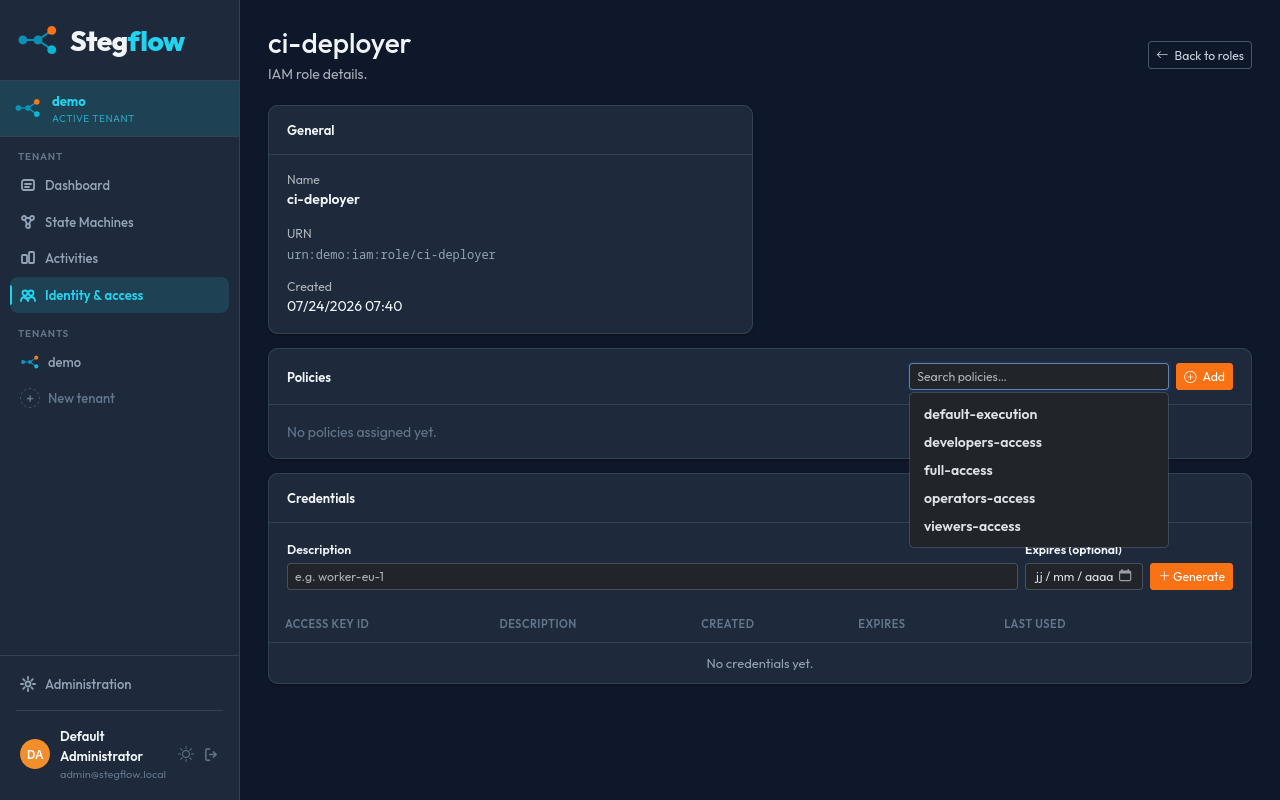
Click the Add button.
Result
The role is now created and carries the permissions from its attached policies. A state machine can run as it with no further setup.